From the first pinto your own circuit.
Explore board and connector pinouts, then draw a circuit with component symbols in the browser.
Raspberry Pi Pico
Browse the catalogues
Choose a catalogue below to explore pinouts, technical references and circuit data.
Pinouts for popular development boards
Find pin functions, logic levels and connection limits before you wire your project.
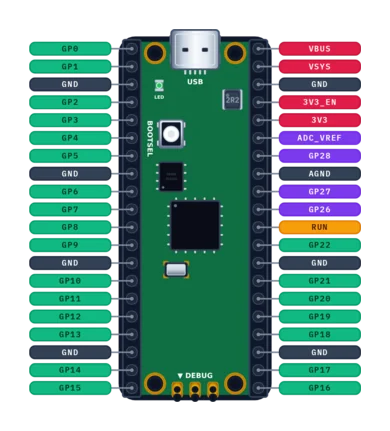
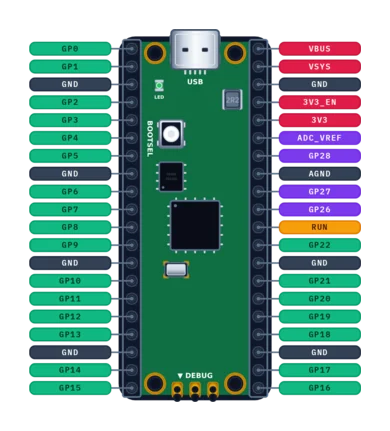
Raspberry Pi Pico
Official 40-pin RP2040 board with dual Cortex-M0+ and flexible PIO.
- RP2040
- 133 MHz
- Logic: 3.3 V
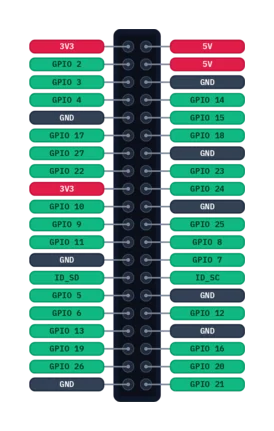
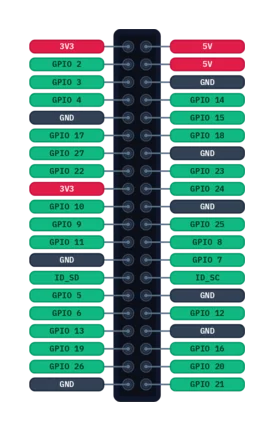
Raspberry Pi 40-Pin GPIO Header
Standardized 40-pin expansion header across Raspberry Pi single-board computers (5, 4, 3, Zero) featuring BCM GPIO mapping, I2C, SPI, UART, and PCM.
- BCM2711 / BCM2712 / RP1 / BCM2837
- 1500 MHz
- Logic: 3.3 V
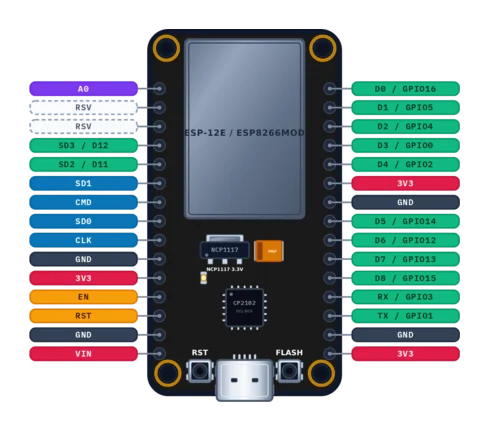
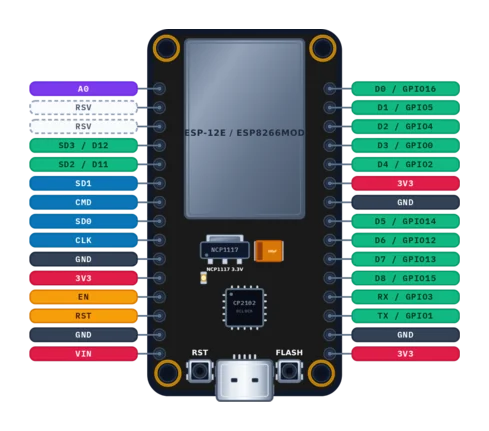
NodeMCU v2 Amica (ESP8266)
Thirty-pin breadboard-friendly ESP8266 development board with Silicon Labs CP2102 and ESP-12E module.
- ESP8266EX
- 80 MHz
- Logic: 3.3 V
Have an idea?Build the circuit.
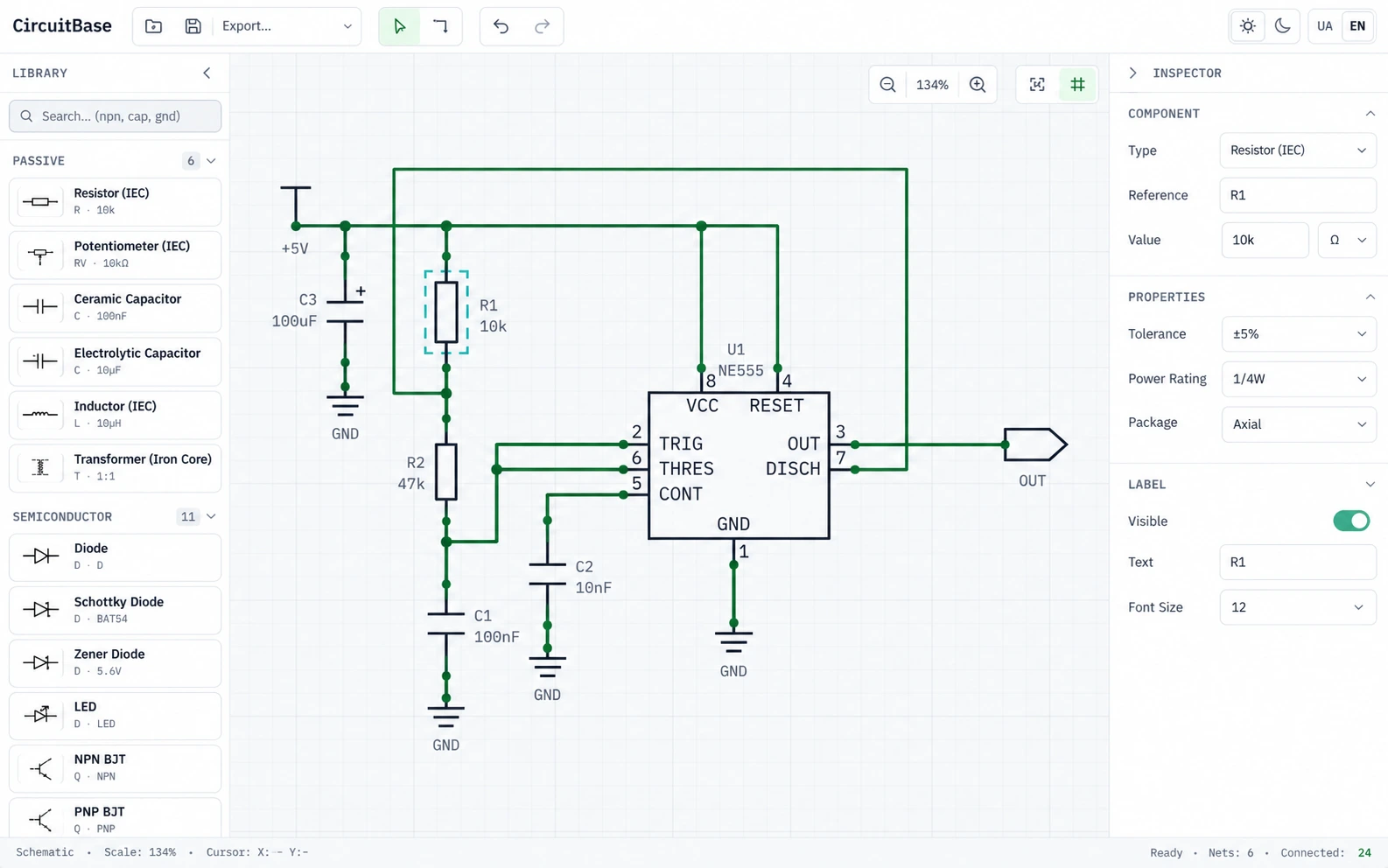
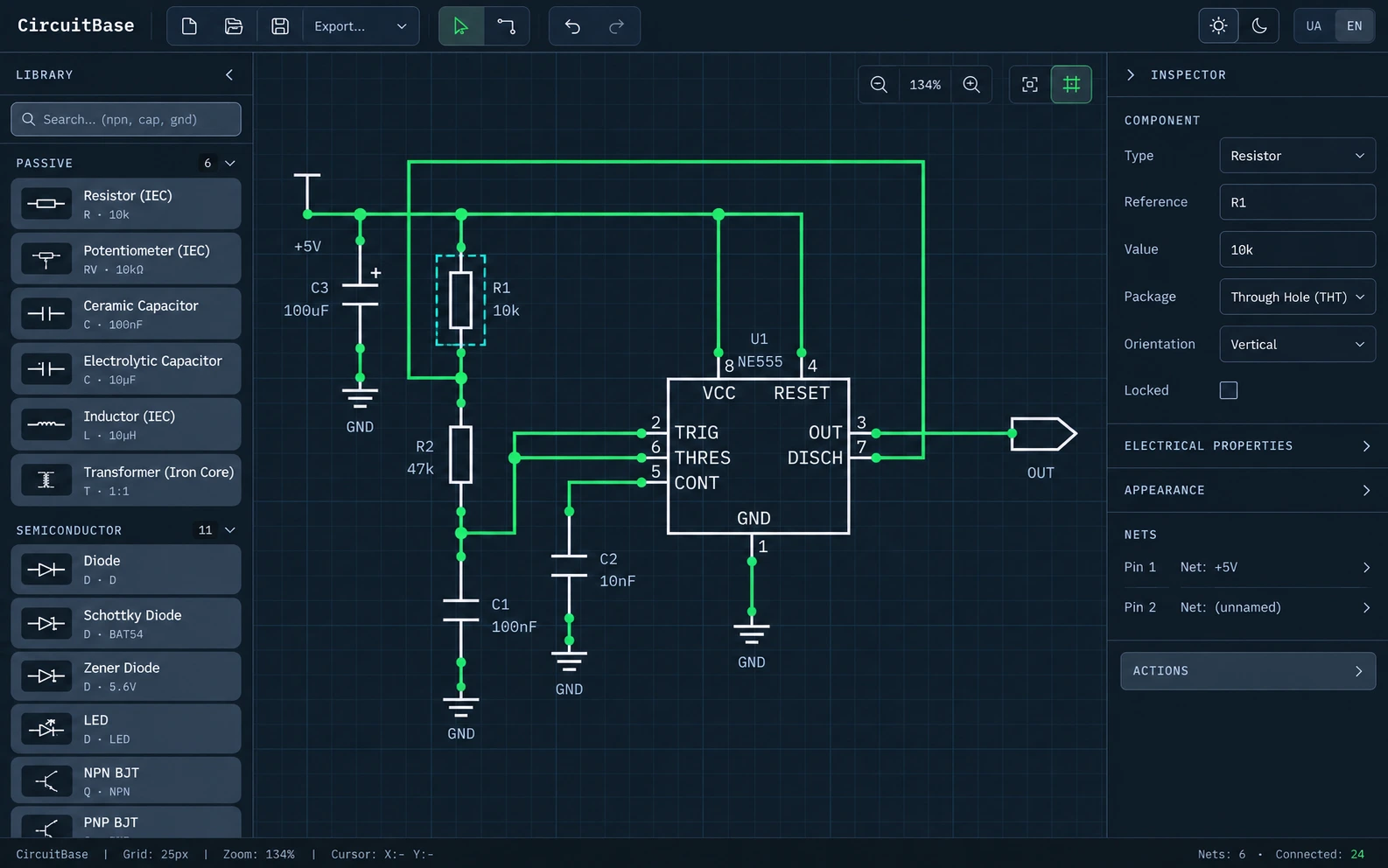
Place components, connect pins, and save your project directly in your browser.
- Components at your fingertips
- Easy pin-to-pin wiring
- JSON and SVG export
In your browser · No installation
Connector pinouts for your connections
Check contact assignments, numbering and connector orientation before connecting equipment.
USB Type-C Receptacle
Reversible 24-contact USB Type-C receptacle.
- Contacts: 24
- USB Type-C R2.5 (USB-IF)
RJ45 8P8C Ethernet Connector
Eight-position modular connector with T568 Ethernet pair assignments.
- Contacts: 8
- TIA-568 (T568A / T568B)
ARM Cortex 10-Pin SWD Header
Compact 10-pin, 1.27 mm ARM Cortex SWD debug header.
- Contacts: 10
- ARM CoreSight 10-pin
Details that matter in practice
Pins and functions
Explore signal names, power connections and the alternate functions listed for each pin.
Parameters and limits
Check the listed supply voltages, current limits, operating modes and technical notes before wiring.
Primary sources
Follow source links to manufacturer documentation and datasheets to check the stated conditions.
How the data is checked
Sources and review
Published entries include source links and technical notes. Publication requires review and automated checks. Follow the cited documentation for operating conditions.
Read the methodology →Structured data for tools
Read published catalogue records as static JSON under /data/v1. The llms.txt and llms-full.txt files provide text context for tools and AI agents.
Questions & answers
Getting started with the Web CAD schematic editor: saving projects, opening circuits and exporting your work.
Do I need to install Web CAD?
No. CircuitBase Web CAD runs in your browser. Open the editor to place components from the library and connect their pins with wires.
How do I save and reopen a project?
Use Save project to download a CircuitBase JSON file. You can reopen it with Open project and continue editing. Keep the JSON file as your project copy; browser autosave depends on local storage being available.
Can I edit a schematic from the catalogue?
When a schematic is available in the catalogue, open its page and choose Open in Web CAD. The editor loads a copy that you can modify and save as your own CircuitBase JSON project.
Which export formats does Web CAD support?
You can save an editable JSON project and export the schematic as SVG. The export menu also provides a JSON netlist and a bill of materials (BOM) in CSV or JSON.